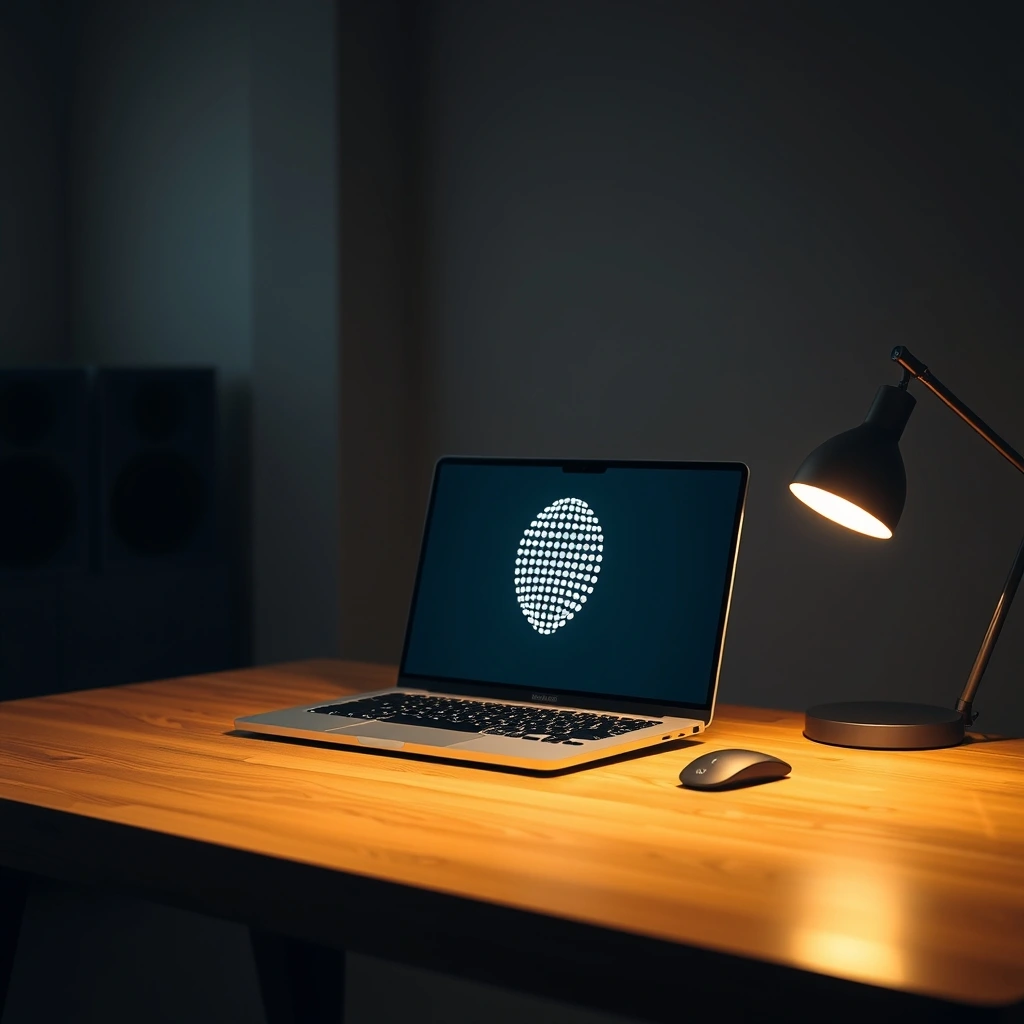
- Point 1: Chat interfaces are dying because proactive background processing replaces manual prompting.
- Point 2: Developer tools served as the guinea pig for ambient context gathering.
- Point 3: The shift from reactive text boxes to persistent desktop dots fundamentally alters human-computer interaction.
Let us be candid: staring at a blinking cursor waiting for a prompt is exhausting. For years, we treated intelligent software like an oracle that required a formal ritual before answering. You opened a tab. You typed a query. You waited. But productivity does not happen in isolation inside a single browser window. OpenAI looked at this friction and realized something profound. The best assistant is not the one hiding behind a web address. It is the one living right beside your work, watching quietly, and anticipating your next move.
The Death of the Chat Window
We built an entire generation of software around the concept of conversation. It felt magical at first. You could ask a question and get a paragraph back. Soon, reality set in. Copying and pasting code snippets between a terminal, an editor, and a browser tab is a tax on human attention. Every switch breaks focus. Every prompt is an admission that the machine lacks context.
Developers felt this pain first. They write logic, fix bugs, and juggle dependencies across massive codebases. OpenAI noticed that tools initially built to autocomplete lines of code were actually doing something entirely different. They were building a map. By observing keystrokes, terminal outputs, and file structures, these models stopped waiting for permission to help.
Why Peripheral Vision Beats Direct Attention
Human beings do not process the world through single-point focus. We rely heavily on peripheral vision. A subtle movement at the edge of our sight alerts us to danger or opportunity. Software has traditionally ignored this biological reality. It demands 100 percent of your attention or zero percent.
By shifting utility into tiny interface elements—often represented simply as a dot or a pulsing icon in a menu bar—AI changed shape. It moved from the center of the screen to the periphery. It sits quietly in the background.
- Continuous Context: It reads your active files without requiring an explicit upload.
- Proactive Alerting: It flags broken builds before you even run the test suite.
- Zero-Friction Summoning: A single keystroke brings the intelligence straight to your cursor.
The Engineering Behind the Always-On Shadow
Making a model run continuously in the background sounds like a battery killer and a privacy nightmare. It requires a delicate balance of local heuristics and cloud intelligence. The secret lies in abstraction. The system does not stream your entire digital life to a distant server every millisecond. Instead, local runtimes index what matters, summarizing state and intent into bite-sized payloads.
Think of it as a copilot that actually sits in the passenger seat rather than sleeping in the trunk. It watches the traffic signs. It notes the weather. When you approach a complex intersection, it whispers a suggestion before you even ask for directions.
| Aspect | Traditional Approach | Modern Solution |
|---|---|---|
| Invocation | Open tab, type prompt | Ambient background awareness |
| Context | Manual copy-pasting | Automatic local indexing |
| Interaction | Conversational Q&A | Proactive inline correction |
What Happens When Every App Gets a Pulse?
Code editors were just the training ground. The methodology that turns a programming assistant into an ambient shadow applies equally to spreadsheets, word processors, and video editors. When software stops waiting for commands, the line between operating system and application blurs into nonexistence.
We are moving past the era of software tools. We are entering the era of software colleagues. They do not need a flashy user interface. They just need a quiet corner of your screen and enough context to save you from your own mistakes.
Do not leave background AI tools running with unrestricted file access on sensitive corporate repositories until you have audited local permission settings and enterprise data retention policies.
Frequently Asked Questions
Does an always-on assistant drain laptop battery life?
Modern implementations offload heavy reasoning to cloud APIs while keeping lightweight context-gathering local. Battery impact is surprisingly minimal compared to running unoptimized local LLMs.
How does this differ from standard autocomplete?
Autocomplete reacts to the immediate character stream. Ambient assistants analyze cross-file architecture, terminal history, and recent error logs to predict multi-step intentions.