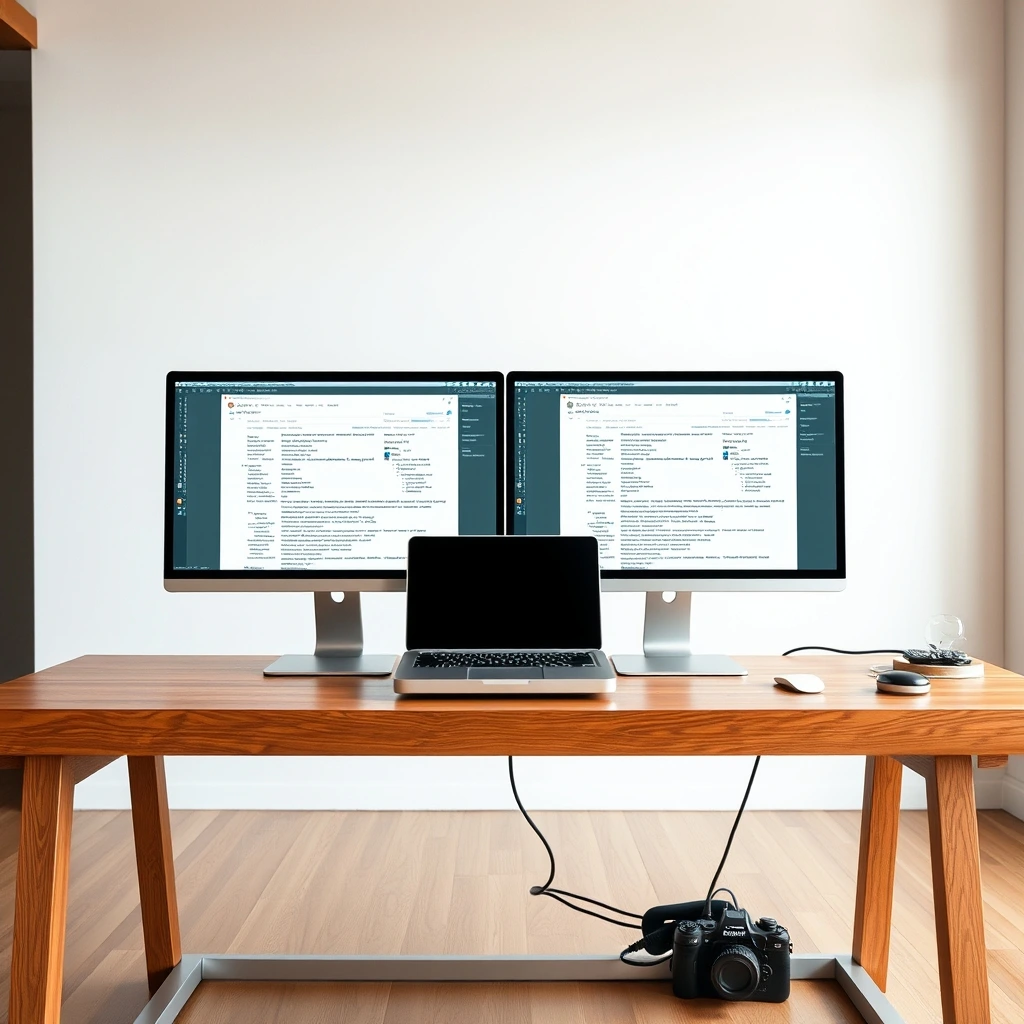
- Single Cable Chaos: Modern docks handle 100W+ power delivery alongside dual 4K displays through a single Thunderbolt 5 or USB4 connection.
- Port Selection Matters: Legacy USB-A ports are fading fast, replaced by high-speed USB-C data lanes and native HDMI 2.1 outputs.
- Thermal Throttling is Real: Cheap hubs overheat under heavy sustained loads, causing dropped connections and flickering displays.
Let us be candid: plugging your portable computer into a desktop monitor setup should not feel like defusing an explosive device. Yet, morning desk routines often involve hunting for power bricks, untangling display adapters, and praying the Ethernet port decides to cooperate. We spent three weeks punishing top-tier desktop hubs with heavy video rendering, simultaneous file transfers, and multi-monitor gaming. Here are the six docking stations that actually earn their footprint on a modern workstation.
The Heavyweight Contender: CalDigit TS5 Plus
When professional workspaces demand zero compromises, the CalDigit TS5 Plus remains the undisputed king of desktop hubs. Built for power users running massive media libraries, this brick of brushed aluminum handles heavy workloads without breaking a sweat. It brings blazing-fast Thunderbolt 5 connectivity to your desk, pushing massive bandwidth to dual 8K displays or triple 4K monitors running at buttery-smooth refresh rates.
- Ports: 4x Thunderbolt 5, 3x USB-A 10Gbps, 2.5Gb Ethernet, SD 4.0 card reader.
- Power Delivery: Up to 140W host charging.
- Best For: Video editors, software engineers, and multi-display power users.
The Traveler Saving Space: Anker Prime USB-C Hub (14-in-1)
Not every workspace features enough room for a heavy metal brick. If your desk rotates between a home office and a corner coffee shop, you need something adaptable. Anker packed fourteen distinct ports into a compact, wedge-shaped chassis that slides easily into a backpack sleeve. It trades raw extreme bandwidth for incredible versatility, offering dual HDMI ports, legacy USB-A slots, and dual card readers.
During testing, it drove dual 4K monitors while charging a 16-inch laptop at a brisk pace. The integrated smart temperature control kept the casing cool to the touch even during prolonged file backups. It is the pragmatic choice for hybrid workers who refuse to carry two separate power supplies.
The Budget Pragmatist: Dell WD22TB4 Refurbished Workhorse
Brand new peripherals cost a fortune. Smart professionals know that enterprise hardware depreciation creates massive opportunities for savings. The Dell WD22TB4 modular hub uses a clever swappable cable module, letting you upgrade connection standards down the road without replacing the entire unit.
- Compatibility: Works smoothly with non-Dell Mac and PC laptops.
- Value: Unbeatable reliability for under two hundred dollars on the secondary market.
The Gaming Minimalist: Razer Thunderbolt 4 Dock Chroma
Desks do not have to look like sterile corporate boardrooms. If your workspace doubles as an evening gaming station, the Razer dock brings understated RGB lighting paired with rock-solid stability. It features three downstream Thunderbolt ports, allowing daisy-chaining of high-speed external solid-state drives alongside high-refresh-rate displays.
Never plug a high-draw external graphics enclosure or bus-powered RAID array into a passive USB hub. Always connect heavy peripherals directly to the primary downstream ports closest to the host input on your dock to prevent voltage drops.
The Multi-Display Maverick: Plugable UD-MSTH3
Windows users cursed with corporate laptops that lack proper multi-display support finally have a savior. The Plugable UD-MSTH3 utilizes DisplayLink technology to bypass hardware limitations, driving up to three external monitors even if your specific laptop chipset officially caps output at one screen.
| Aspect | Traditional Approach | Modern Solution |
|---|---|---|
| Display Output | Single HDMI adapter + dongles | Single cable supporting triple 4K screens |
| Desk Setup Time | Three to five minutes per morning | Under five seconds via one snap-in connection |
| Power Management | Multiple separate wall bricks | Single 100W+ intelligent power delivery |
The Enterprise Standard: Lenovo ThinkPad Universal USB-C Smart Dock
IT departments love this dock for a reason. It features cloud-manageable firmware updates and robust security protocols. For home offices where reliability trumps flashy LED lights, the Lenovo ThinkPad dock provides silent operation, dependable audio jacks, and persistent network connections that never drop during critical video calls.
Frequently Asked Questions
Do I really need a Thunderbolt dock, or will a cheap USB-C hub work?
It depends entirely on your monitors. Standard USB-C hubs rely on MST or DisplayPort Alternate Mode, which struggles with dual 4K displays at 60Hz. If you run multiple high-resolution screens or transfer massive video files daily, invest in Thunderbolt or USB4.
Why does my laptop dock get so hot during use?
Docks act as power distribution centers and data processors simultaneously. Handling 100W of power while converting video signals generates thermal energy. As long as the unit does not thermal throttle or disconnect your devices, normal warmth is entirely expected.